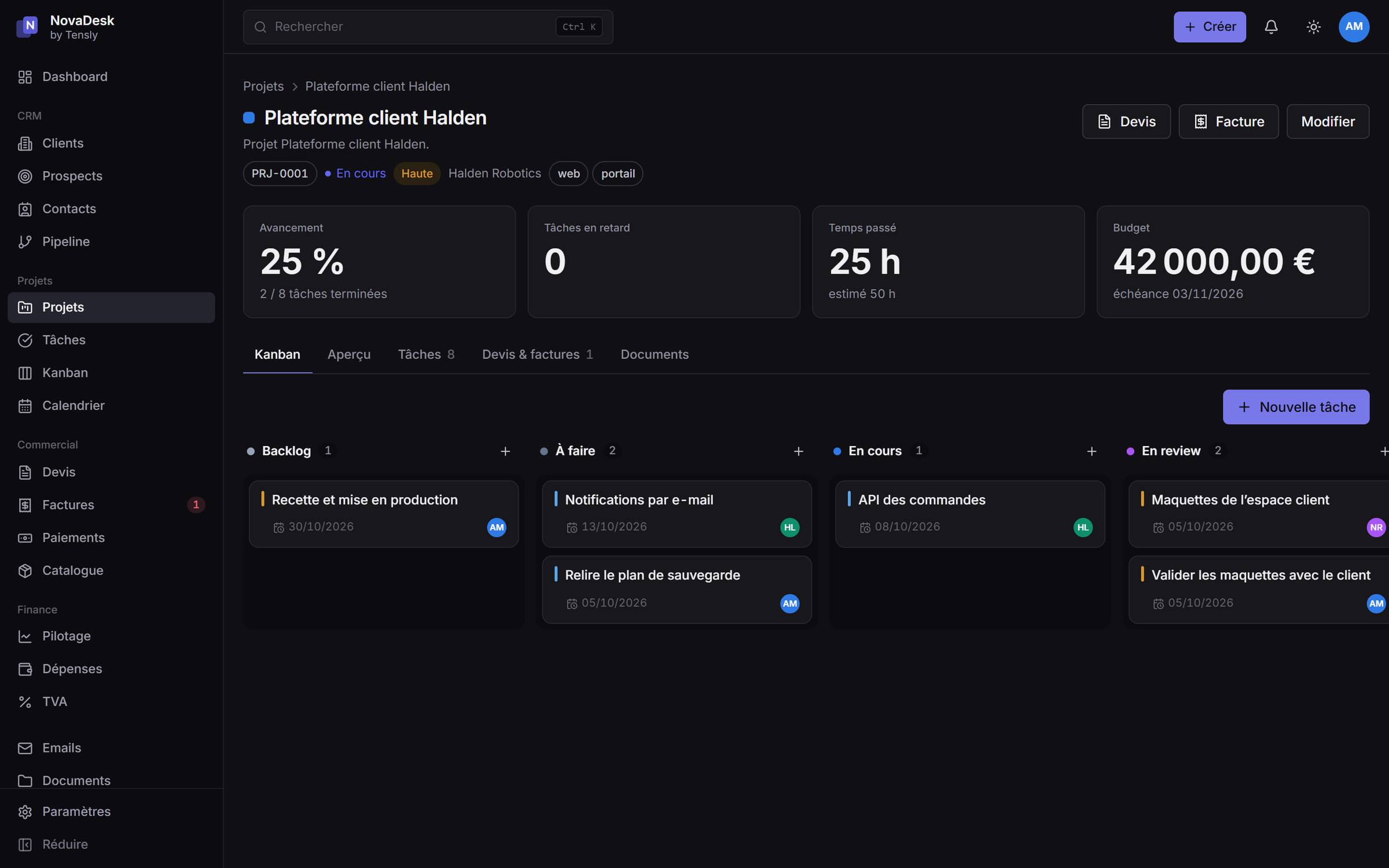
NovaDesk is the platform we use to run Tensly: clients, projects, tasks, quotes, invoices, payments, expenses and email in one self-hosted application. It is also where we test, on ourselves, the way we build for others.
What follows are six decisions that shaped it, with the reason behind each. The reasons matter more than the choices: they are what another team needs in order to carry on.
1. One deployable, no internal API
NovaDesk is a single Next.js application using the App Router. Pages read the database directly through server components, and every write goes through a server action.
The alternative was a separate REST API serving a separate front end: two deployments, two sets of types, and a serialisation layer to maintain — for an application with one client, its own interface.
The public API still exists, under /api/v1, for n8n, Make and Zapier. It is a product in its own right, authenticated with API keys, and not the plumbing of the interface.
2. Permissions are decided on the server, every time
Every server action follows the same sequence: identify the user, check the permission, validate the input, write, record the action in the audit log, then refresh the affected pages.
The interface hides what a user cannot do, but that is a courtesy, not a control. Removing the hiding in the browser grants nothing: the permission check runs on the server, in every action and every route.
3. Money is stored in whole cents
Every amount is an integer number of cents. There are no floating-point numbers anywhere in the financial code.
The rounding rule is written once: discount, then rounding line by line, VAT rounded line by line, totals as the sum of the rounded lines. The total on a document is therefore always exactly the sum of the lines shown on it — which is what a client checks first. A quote converted into an invoice goes through the same code, so its amount cannot drift.
4. One renderer for the preview and the PDF
Quotes and invoices are designed in a visual template editor with a live preview. There were two ways to build it: a PDF drawing library plus a separate HTML preview, or a single HTML renderer.
We chose the second. A pure function turns a document into HTML. The template editor calls it in the browser and refreshes the preview on every keystroke; the PDF route passes the same output to headless Chromium. What you see in the editor is what the client receives.
The cost is known and accepted: a larger container image and about a second per document. The browser is started once and reused.
5. No infrastructure the product does not need
A single instance does not need Redis, so there is none. Rate limiting runs in memory, behind an interface that would accept a Redis implementation without touching its callers. The few long tasks — PDF generation and mail synchronisation — run through routes called on a schedule rather than through a queue.
The result is one process, one database and one file volume. It runs on a modest server and backs up with a script, with a written procedure for a full restore.
6. Charts that everyone can read
The chart palette was not chosen by eye. It was checked by computation: luminance band, minimum chroma, separation under the common forms of colour-vision deficiency, and contrast against the background — in light mode and in dark mode.
Every chart also has a table view. It makes the data readable with a screen reader, printable, and easy to copy into a spreadsheet.
What comes next
The project keeps a written roadmap that is candid about what remains: two-factor authentication for administrators, a client portal for quotes and invoices, and electronic invoicing. The architecture already allows the last one — controlled numbering, locked documents, traceability — but the format and the connection to an approved platform are still to be built.
A white-label edition of NovaDesk is also planned. If that interests you, tell us.